
You’ve written a solid article, run it through an AI tool, and still watched it stall on page two of Google – because there was no real optimization workflow behind those AI tweaks.
That is the core issue.
Most marketers and creators use AI SEO tools in a scattered way: a prompt for keywords here, a meta description there, but no structured, repeatable process that actually lifts rankings and engagement for every piece of content.
You do not need more random prompts.
You need a clear system.
This guide walks you through a precise, step-by-step AI content optimization workflow – from SERP analysis to content scoring, on-page fixes, internal links, and final QA – so you can turn any draft into a search-ready asset with modern AI tools.
Based on hundreds of optimized articles and current practices with 2026 AI SEO platforms and general-purpose LLMs, this workflow plugs into your existing content process and scales across teams.
Define a Single Intent and Build an AI-Ready Brief
You cannot optimize content if you are vague about what it should do. Start by deciding the exact search intent you want to win, then feed that into an AI-ready brief.
1. Lock in one long-tail keyword and SERP intent
Pick one specific long-tail keyword. Not “AI content” but “ai content optimization workflow for bloggers”. That level of detail filters out junk traffic and makes your outline sharper.
Then check what people want when they search it.
- Google the keyword in an incognito window.
- Scan the top 5 results and People Also Ask.
- Ask yourself:
- Are these how-to guides, comparisons, or sales pages?
- Do they answer one core question?
- Label the intent:
- Informational – user wants to learn.
- Commercial – user compares options.
- Transactional – user is ready to buy.
Most bad AI content comes from fuzzy intent. As one guide notes, weak briefs, not tools, cause most poor drafts, because they skip clear goals and audience context, which matches what inspace.io reports.
Lock one: one keyword, one primary intent, one main question to answer.
2. Turn SERP insights into an optimization brief for AI
Now turn your research into a simple, AI-ready brief. Aim for 300 to 800 words, like the range suggested in theseoengine.com.
Include at least:
- Goal: “Get qualified leads” or “Rank top 3 for X”.
- Primary keyword + 3 to 5 related terms.
- Intent: one label plus a one-line summary.
- Audience snapshot: role, pain, level (beginner, advanced).
- Outline: H2 and H3 list that mirrors but improves on the SERP.
- Must-cover points: gaps you saw in top pages.
- Voice rules: tone, banned phrases, reading level.
If you would not give this brief to a human writer, it is not ready for AI.
Once you have that, you can plug it into any strong model or into AI SEO tools you discover through a directory like Best AI SEO Tools and start testing outputs instead of guessing.
Also Read: AI Content Optimization: Why It’s Vital for SEO in 2026
Audit Your Draft with AI SEO Tools Before Editing
Edit after you know what is actually broken. That is what this step is for.
AI SEO tools give you a fast health check on every draft. You spot gaps, weak sections, and UX issues before you waste time line-editing.
SEMrush and the AI Content Optimization checker from seoreviewtools.com are good examples of how these audits work in practice.
Search Atlas also leans hard into semantic structure and passage-level scoring, which is exactly what you want here.
If you want a tool-agnostic starting point, use a directory like Best AI SEO Tools to pick one stack and stick with it for consistency.
1. Run an AI-driven SEO content score and gap analysis
Think of this as your draft’s report card.
Most AI SEO tools will show you:
- A content score vs top ranking pages
- Keyword and entity coverage
- Reading level and clarity
- Suggested word count range
Use that score, but do not worship it. Your job is to use it as a guide, not a final judge.
Work through this simple checklist:
- Compare your score to the target range for your topic.
- List missing subtopics or FAQs that top pages cover.
- Note where your content is thin or off-topic.
- Decide what to add, merge, or delete in your next edit.
Treat every suggestion as a hypothesis. You still make the final call.
2. Use AI to flag structural and UX issues
Good structure is half of good SEO now. LLMs and users both scan, not read.
Use an AI content optimization checker to flag:
- Weak or vague headings
- Long paragraphs that hurt scan-ability
- Missing lists, tables, and FAQs
- Poor top-of-page summary
- Thin internal linking and dead ends
Turn those findings into actions:
- Rewrite headings so each section has a clear promise.
- Break long blocks into short paragraphs and lists.
- Add a quick summary and key takeaways near the top.
- Insert internal links to your pillar and related cluster posts.
Fix structure first, then polish the words.
Also Read: 5 Best SEO Automation Software to Streamline Your Workflow
Optimize On-Page Elements with AI, Step by Step
On-page is where AI gives you unfair leverage. Think of it as a fast editor that never gets tired, while you keep control of taste and strategy.
1. Refine titles and headings with AI for clicks and clarity
Start with titles and H1s. They decide if people even give your page a chance.
Use an AI assistant with this kind of prompt:
- “Give me 10 SEO title options under 60 characters.”
- “Include the keyword, make it clear, not clickbait.”
- “Match this search intent: how-to, not info-only.”
Tools like the ones reviewed on aifoundationtools.com can help you generate and test many variants.
Then:
- Shortlist 3 options with:
- Clear benefit
- Concrete topic
- Natural language
- Check your H1 and main headings:
- Do they match the title promise?
- Do they follow a clear outline?
- Ask AI: “Rewrite headings to be clearer and more scannable. Keep all topics.”
Aim for one clear idea per heading. If a heading feels fuzzy, rewrite it.
2. Use AI to expand and tighten body sections
AI is great at fixing thin and bloated sections.
For thin sections, paste the paragraph and prompt:
- “Expand this to 150 words.”
- “Add 3 practical examples.”
- “Keep it simple and specific.”
For messy sections:
- “Tighten this to 80 words.”
- “Remove fluff, keep key facts.”
- “Use short sentences and active voice.”
Then you:
- Cut anything that sounds generic.
- Add your real examples, numbers, and screenshots.
- Check internal links to your pillar, like your complete guide to AI content optimization.
Let AI do the first draft, but your edits make it worth reading.
3. Generate and optimize meta descriptions and image tags
Meta descriptions do not rank you directly, but they win the click. According to searchatlas.com, AI can boost CTR by aligning copy with intent at scale.
Prompt idea:
- “Write 3 meta descriptions under 155 characters.”
- “Include the keyword once.”
- “Highlight the main benefit and call to action.”
Pick the one that:
- Matches the page, no lies
- Uses plain language
- Explains why someone should click
For images:
- Ask AI: “Write alt text for this image: [describe it]. Include topic keyword if natural.”
- Keep alt text descriptive, not stuffed: “Person writing blog outline for AI SEO workflow.”
If you use a directory like Best AI SEO Tools, you can quickly compare AI SEO platforms that automate titles, descriptions, and image tags in one workflow.
Layer in Internal Links, Schema, and UX Tweaks with AI
Internal links, schema, and UX tweaks are where you squeeze out easy SEO wins. AI makes this part fast instead of painful.
1. Use AI to suggest strategic internal links (including your pillar)
Start with your draft in a doc.
Ask your AI tool something like:
- “You are an SEO strategist. Here is my article.
- Suggest 10 anchor phrases.
- For each, tell me what type of page it should link to.
- Mark which ones should link to the main pillar on [pillar topic].”
Then:
- Paste in your content.
- Paste a short summary of your pillar post.
- Let the AI return a table of suggestions.
Use that list to:
- Link from this cluster post back to your pillar using descriptive anchor text.
- Add 2 to 4 links to related clusters to tighten the topic group.
- Avoid random anchors like “click here” and use keyword rich phrases instead, which matches advice from rankmath.com.
AI powered internal link planning also matches what internal link automation guides call a pillar cluster map, where every spoke links back to the main hub, as seen in internal linking checklists on seoproai.co.
Aim for 3 to 8 internal links per 1000 words, with at least one link to your pillar.

2. Generate basic schema and UX enhancements with AI
Use AI to draft schema ready content, then plug it into your SEO plugin or dev flow.
Prompt ideas:
- “Turn this FAQ section into FAQ schema fields.”
- “Suggest Product schema details for this service page.”
- “List UX improvements that make this article easier to read on mobile.”
Have AI:
- Rewrite key parts into clear Q&A blocks.
- Suggest short bullet summaries for key sections.
- Flag spots where a table, subheading, or bullet list would reduce wall of text.
Then you:
- Implement the schema with your plugin.
- Apply the UX edits in your CMS.
- Rerun a quick pass for readability and brand voice.
If you want to test different AI SEO tools for this workflow, a directory like Best AI SEO Tools helps you compare focused schema, internal linking, and UX helpers in one place.
Also Read: How to Use AI SEO Tools to Boost Your Rankings Quickly
Validate, Measure, and Turn Your Workflow into a Reusable Checklist
You do not have a real AI content workflow until you can trust it, measure it, and repeat it.
1. Run a human-led final QA on AI-optimized content
Treat AI as draft support, not as the final editor.
Use a tight human QA pass before anything goes live:
- Check facts against primary sources like official docs or research.
- Scan for risky claims, medical or legal advice, or big promises.
- Cut filler, repeated ideas, and empty SEO fluff.
- Fix tone so it matches your brand and audience.
- Verify internal links, CTAs, and next steps.
Guides like the human review frameworks on rankai.ai and trustedaiseo.com show how structured QA reduces errors and keeps trust high.
Turn this pass into a short checklist your editor can run in 5 to 10 minutes.
If a page fails QA in more than 2 or 3 key areas, do not publish. Send it back for fixes.
2. Track performance and lock in your AI optimization checklist
If you do not measure, you are guessing.
Set up a simple tracking routine:
- Log each page: URL, publish date, main keyword, and goal.
- Track key metrics every month:
- Impressions and clicks in Google Search Console
- Average position for the main keyword
- Click through rate
- Time on page and bounce rate
- Mark which AI prompts, briefs, and tools you used.
After 8 to 12 weeks:
- Keep the steps that show better rankings and stronger engagement.
- Drop steps that add time but no results.
- Turn the winning flow into a reusable checklist for your team.
This is how AI content optimization moves from random experiments to a reliable system.
You already have the workflow. Now document this AI content optimization process as your team’s SOP, apply it to your next article, and link back to your AI Content Optimization pillar guide.
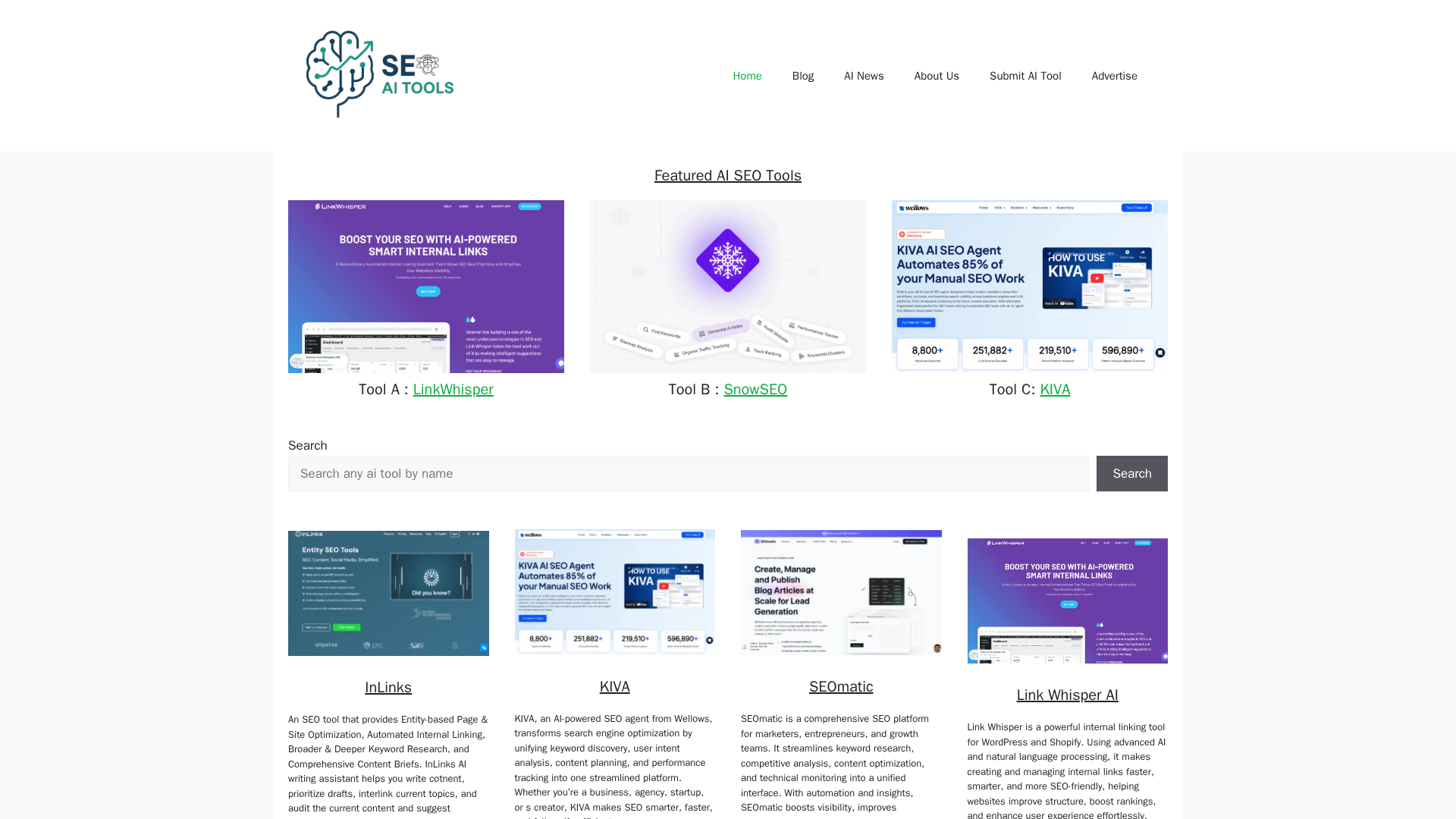
Then visit Best AI SEO Tools to pick the exact AI SEO tools that fit your process and stack.
Frequently Asked Questions
Q1: How often should I update AI-optimized content?
Review key pages every 3 months.
Check rankings, click through rate, and search terms.
If intent, queries, or competitors shifted, update.
You can also set simple rules:
- Update high value pages every quarter
- Update stable evergreen pages every 6 to 12 months
Always use AI to suggest changes, then you edit.
Q2: Which tools do I actually need to follow this workflow?
You need three core pieces:
- An AI writing tool for drafts and rewrites
- An SEO optimizer for content scoring and gap checks
- Analytics like Search Console for performance data
A directory like Best AI SEO Tools helps you compare options fast.
Q3: How do I stop AI content from sounding generic?
Start with a clear brief, not a vague prompt.
Feed AI your brand voice, target reader, and outline.
Paste your own examples and key stories.
Then:
- Let AI write a draft
- Cut fluff and fix tone by hand
- Add real data, quotes, and opinions
AI drafts. You make it sharp.
Q4: When should I use AI vs write from scratch?
Use AI when you have clear intent and structure.
Great use cases: outlines, first drafts, variations, and SEO rewrites.
Write from scratch when:
- You share personal experience or case studies
- The topic is very sensitive or legal
- You need a strong, unique point of view
Blend both for speed and quality.
Q5: What if my AI content is not ranking at all?
Do not blame AI first.
Check basics: search intent match, title, headings, and internal links.
Then check:
- Content depth vs top results
- On page SEO (keywords, structure)
- Page speed and technical issues
Use AI to fill gaps and improve clarity, not to spam extra keywords.
Conclusion
Treat AI content optimization like a system, not a stunt. The teams winning with AI are the ones running a clear workflow every time: clarify intent, build a tight brief, draft, optimize on-page, fix internal links, then watch performance and iterate.
Research on generative engine optimization shows that clear structure, Q&A sections, and strong E-E-A-T signals make your content more attractive to AI search engines, not just classic Google rankings, which lines up with what platforms like semrush.com and studies on GEO are seeing.
Modern tools, whether you prefer Best AI SEO Tools or suites like SEMrush or Ahrefs, can handle most of the grunt work: diagnostics, gap analysis, scoring, draft tweaks. Your job is to stay in charge of nuance, truth, and brand.
Turn this process into a checklist or SOP and you do not just improve a few pages. You make high-quality, search-ready content the default.