SEO is more competitive than ever, and doing everything by hand is not just slow, it is a growth bottleneck.
You are likely jumping between keyword tools, content docs, dev tickets, and messy spreadsheets. You fix technical issues late. Reports take hours. Some weeks you are on top of things, other weeks SEO is pure chaos.
When you do not use automation, key tasks slip. Rankings stall. Wins are random instead of repeatable.
SEO automation software pulls the messy parts into one system. It tracks rankings, finds issues, plans content, and builds reports for you. You get to focus on strategy, ideas, and execution.
This guide breaks down what SEO automation is, the 5 best tools to test, the features that actually matter, and a simple way to pick the right fit. It is based on real workflows from leading platforms and working marketers like you.
Table of contents
Know what you want and skip the rest. Use this table of contents like a menu for your brain.
- What SEO automation actually is (in plain English)
- Benefits of SEO automation for busy marketers
- Types of SEO tasks you can automate
- Keyword research and clustering
- Rank tracking and alerts
- Technical SEO audits and fixes
- Content briefs and on-page optimization
- Reporting and dashboards
- How to choose the right SEO automation software
- Budget, team size, tech stack
- Must-have vs nice-to-have features
- Red flags to avoid
- 5 best SEO automation tools compared
- All-in-one AI-powered SEO suite
- Keyword and rank tracking specialist
- Technical SEO audit and monitoring tool
- Content planning and on-page platform
- Reporting and SEO dashboard software
- Role-based recommendations
- Solo blogger or creator
- In-house marketer
- Agency owner
- How to roll out SEO automation in 30 days
- How to measure ROI and keep improving

Also Read: How to Use AI SEO Tools to Boost Your Rankings Quickly
What is SEO automation software and why it matters
SEO automation software is the set of tools that takes over your repetitive SEO work. It runs checks, pulls data, and triggers actions on a schedule so you stop living in spreadsheets and manual reports.
Think of it as an assistant that never sleeps. It crawls your site, tracks rankings, scores content, and builds reports in the background. Platforms covered in reviews like snowseo.com show how far this has gone with AI on top.
1. Definition: what SEO automation software actually does
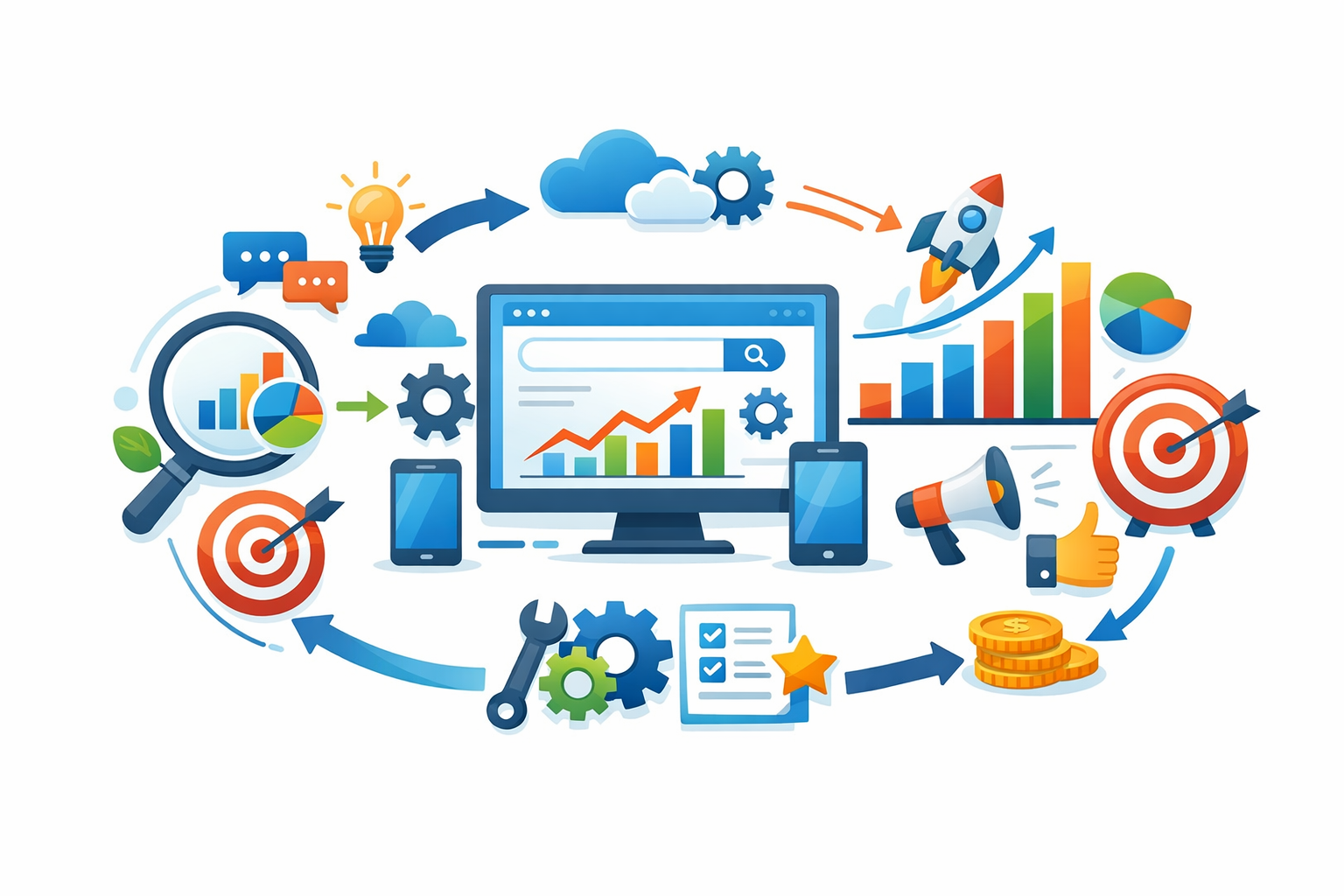
SEO automation software connects your site, your analytics, and search data. Then it:
- Collects data from tools like Google Search Console and Analytics
- Scans your site for issues and changes
- Runs rules or AI models on that data
- Sends alerts, reports, or even fixes issues based on what it finds
AI focused platforms like those discussed by hamsterstack.com now add keyword clustering, content briefs, and on page suggestions on top of the basics.
Best AI SEO Tools acts as a directory to find these kinds of AI driven platforms without having to test every random tool yourself.
2. Core SEO tasks you can automate
You can safely hand off a lot of the grunt work:
- Rank tracking across thousands of keywords
- Scheduled technical SEO audits and change alerts
- Content optimization scores and keyword gap checks
- Internal link suggestions at scale
- Backlink monitoring and new/lost link alerts
- Dashboards and client reporting
3. Key benefits and realistic limitations
Why it matters:
- Save hours every week on checks and reports
- Cut human error from copy paste work
- Spot traffic drops or site issues fast
- Keep a steady, repeatable SEO process
But there are limits:
- Tools still need setup and guardrails
- Strategy, messaging, and brand voice stay human
- Automation can spread bad decisions faster if rules are wrong
Use automation for the heavy lifting. Keep people in charge of direction, priorities, and what content should actually say.
5 best SEO automation software platforms to streamline your workflow
You do not need 15 tools and 40 tabs open to run SEO. You need a small stack that kills busywork and keeps you focused on moves that move revenue.
Below are 5 types of SEO automation tools you actually need, with clear use cases and what to look for in each.
1. Tool #1: All-in-one AI-powered SEO automation suite
This is your core platform. It pulls data from many places and runs most tasks for you.
A strong all-in-one suite should help you:
- Run keyword research, content, and technical checks in one place
- Auto-generate meta tags, internal links, and content briefs
- Build reports from real data, not guesses
AI-led tools are getting closer to a true “SEO autopilot”. Platforms like Search Atlas use AI agents to run many tasks across dozens of tools and claim big time savings on manual work, as seen on searchatlas.com.
Use this if:
- You run an agency and manage many sites
- You want one hub instead of 5 disconnected tools
Tip: Start here. Let this become your main “source of truth” for SEO.
2. Tool #2: Keyword and rank tracking automation specialist
If you are not tracking rankings, you are flying blind.
A rank tracking tool should:
- Track key terms daily or weekly across devices and locations
- Show winners, losers, and cannibalization
- Compare your site against rivals like SEMrush or Ahrefs data where useful
Look for:
- Alerts when important keywords drop
- Tagging by topic, funnel stage, or page
- Easy export to your reporting stack
Use this if:
- You run campaigns and need to prove results
- You plan tests and want fast feedback on impact
3. Tool #3: Technical SEO audit and monitoring automation
Technical issues can kill results even with great content.
A technical automation tool should:
- Crawl your site on a set schedule
- Flag broken links, 404s, redirect loops, and slow pages
- Track Core Web Vitals and indexation issues over time
Some tools also plug into Google Search Console to enrich data, like the auditing features highlighted in link-assistant.com.
Use this if:
- Your site has more than 100 pages
- You work with devs and need clear, prioritized tickets
Rule: Never rely on one-off audits. Set automated crawls weekly or monthly.
4. Tool #4: Content planning and on-page SEO automation
This is where you save serious hours.
A content planning and on-page tool should:
- Turn SERP and competitor data into ready content briefs
- Suggest headings, questions, and related topics
- Help you optimize titles, meta, and on-page structure
For example, tools like SEOwind focus on data-driven briefs and outlines so writers do less manual research, as seen on seowind.io.
Use this if:
- You manage a content team or blog
- You hate manual SERP scraping and outline building
Platforms like Best AI SEO Tools make it easier to find these AI content and on-page helpers in one place, instead of hunting tool by tool.
5. Tool #5: Reporting and SEO dashboard automation
If reports eat your Fridays, you need this.
A reporting and dashboard tool should:
- Pull data from Google Analytics and Search Console
- Turn it into clean, client-ready dashboards
- Automate scheduled PDFs or links to stakeholders
Look for:
- Blended metrics like organic revenue, not just traffic
- Simple views for leaders and deeper ones for SEOs
- Filters by channel, country, device, and funnel stage
Use this if:
- You handle clients, bosses, or investors
- You want to cut 50 to 70 percent of reporting time each month
Aim for one main SEO dashboard everyone checks, not five random reports no one reads.
Also Read: Top 10 SEO Tools Directory for 2026 Success
Top features to look for in SEO automation software
Picking SEO automation software is simple if you know what to look for. You want tools that replace grunt work, not just add pretty charts.
1. Automation depth across the SEO workflow
Check how much of your real workflow the tool handles, end to end. Not just data, but actions.
Look for automation across:
- Research: keyword discovery, clustering, and difficulty scoring
- On-page: title tags, meta descriptions, internal link suggestions
- Technical SEO: scheduled crawls, alerts, and quick fixes
- Content: briefs, optimization scores, and update prompts
- Reporting: client-ready reports sent on a schedule
A good platform should cut at least several hours a week. Zapier data shows automation tools save marketers over 14 hours weekly by removing manual tracking and reporting tasks, which lines up with real-world tests in nextgrowth.ai.
If a tool only tracks rankings but you still fix everything by hand, it is not true automation.
2. AI-powered insights vs. rule-based automation
Rule-based automation follows fixed triggers. AI-powered automation can make smarter calls.
You want both:
- Rules to handle simple, repeatable tasks
- AI to spot patterns, gaps, and quick wins
Modern AI SEO platforms like Search Atlas use AI engines to not just flag issues but also deploy fixes, as shown in scribehow.com.
Best AI SEO Tools is useful here because it groups AI driven tools so you can compare how deep their automation really goes.
3. Integrations, usability, and collaboration
If a tool does not play nice with your stack, skip it.
You want:
- Native integrations: CMS, Google Analytics, Search Console
- Simple UI: clear workflows, not 20 hidden menus
- Roles and permissions: clients and writers see only what they need
- Comments and tasking: turn findings into tasks for your team
If your team needs a training call for every new user, the tool is too complex.
Also Read: SEMrush vs Ahrefs vs Search Atlas: Best SEO Tools Compared
How to choose the right SEO automation software for your business
1. Clarify your SEO goals, budget, and resources
Start with the boring part: what do you actually need?
Pick 1 to 3 main goals, for example:
- Rank for more keywords
- Fix technical issues
- Refresh and scale content
Then check your real budget and time. A guide on gomega.ai notes that teams often overbuy tools they cannot use.
Ask:
- How much can you spend each month without stress?
- Who will log in and use this tool every week?
- Do you need automation that “does” work, or insights that guide a human?
If you skip this step, every tool demo will look great and you will stall.
2. Map tools to your role and tech stack
Match the tool to your job and setup.
Rough rule:
- Solo creator or small business: simple, all in one
- In house marketer: strong reporting plus content tools
- Agency: multi client support and white label reports
Then check fit with your stack:
- Does it connect with your CMS and analytics?
- Can it pull data from Google Search Console?
- Will it clash with current plugins?
Platforms like SEMrush and Ahrefs often fit well for broad use, while a curated directory like Best AI SEO Tools helps you spot more focused AI options fast.
If a tool needs custom dev help to connect, skip it unless you have a dev on call.
3. Evaluate trials, support, and long term scalability
Never buy without testing.
During a trial, try to:
- Set up tracking for at least 10 to 20 key pages
- Run a technical audit and fix 1 or 2 issues
- Create or optimize one real content piece
Watch how much time you save compared with manual work. A review on besthunt.ai highlights automation depth as a key filter, not just feature lists.
Then check:
- Support speed and quality
- Clear training docs and templates
- Easy plan upgrades as traffic grows
Choose the tool that feels boringly reliable on week three, not the one that just looks shiny in the demo.
Implementing SEO automation: best practices and next steps
You do not need a giant tech stack to get value from automation. You need a clear plan and guardrails.
1. Start small: automate one part of your SEO workflow
Pick one painful, repetitive task and automate only that first. Good starters:
- Rank tracking and scheduled reports
- Weekly technical crawl and error alerts
- Pulling Search Console and analytics data into one sheet or dashboard
Keep your current manual process as a backup for a few weeks. Compare the automated results against what you used to do by hand.
If you are still choosing tools, use a directory like Best AI SEO Tools to shortlist options before you commit.
2. Monitor quality and keep humans in the loop
Treat automation as an assistant, not a replacement. Research on provenroi.com stresses human review for strategy and sensitive changes.
Set rules like:
- A human approves content changes before publishing
- A strategist reviews major technical fixes
- You sample a few automated outputs every week
If you would not trust a change on your homepage without review, do not let a bot push it elsewhere either.
3. Measure impact and iterate on your automation setup
Define clear success metrics before you start:
- Hours saved per week
- Fewer missed issues or fire drills
- Faster reporting cycles
- Traffic or revenue lift tied to freed-up time
Track these in a simple dashboard. The case study on snowseo.com shows how teams cut reporting time by over half after automating.
Every month, ask three questions:
- What did automation break or confuse? Fix or roll back.
- What still feels like busywork? Automate that next.
- Where did humans add real value? Protect that time.
Then adjust workflows, expand what works, and kill what does not.
Ready to stop reading about SEO automation and actually feel the difference in your week? Shortlist two or three SEO automation platforms that fit your goals, start a trial, and map out a simple 30-day automation plan so you can experience the time savings and performance lift firsthand. Use Best AI SEO Tools to quickly compare curated AI SEO tools by use case, budget, and features so you do not waste hours on random tool hunting.
Frequently Asked Questions
Q1: How do I pick the right SEO automation tool from the 5?
Start with your main bottleneck.
Is it keyword research, technical fixes, content, or reporting?
Then match tools to jobs:
- All-in-one suite if you want one hub.
- Rank tracking specialist if you watch positions every day.
- Technical tool if your site has many issues.
Test 1 tool for 30 days with clear goals.
Q2: Can small teams really benefit from SEO automation?
Yes. Small teams often see the biggest gains.
Automation helps you:
- Skip manual rank checks.
- Spot issues before traffic drops.
- Reuse winning content ideas faster.
You still need strategy and editing.
Think of automation as your assistant, not your replacement.
Q3: How does AI fit into SEO automation?
AI handles pattern spotting and grunt work.
You can use AI to:
- Cluster keywords by intent.
- Draft SEO briefs and outlines.
- Suggest internal links and meta tags.
You still set the strategy and brand voice.
AI speeds up decisions so you test more and waste less.
Q4: What should I track to measure ROI from these tools?
Track things you can link to money and time.
Focus on:
- Organic traffic to key pages.
- Conversions from organic sessions.
- Hours saved on reporting and audits.
If a tool does not raise revenue or cut time within 3 months, rethink it.
Best AI SEO Tools can help you compare options before you commit.
Conclusion
SEO automation is not magic, but it is a serious edge. The right tools cut busywork in research, fixes, and reporting so you can spend more time on strategy and better content.
No single platform fits everyone. Your best pick depends on your goals, role, budget, and current stack, not on which logo you see most. A study on marketing technology use shows that stacked tools only work when they match clear processes, not hype, which lines up with how wikipedia.org frames marketing automation overall.
Treat automation as a set of focused workflows. Start with one or two high impact tasks, like rank tracking or technical audits. Keep humans in the loop for decisions and content. Measure what changes, then scale the parts that actually move traffic, leads, or revenue.
5 thoughts on “5 Best SEO Automation Software to Streamline Your Workflow”
Comments are closed.