
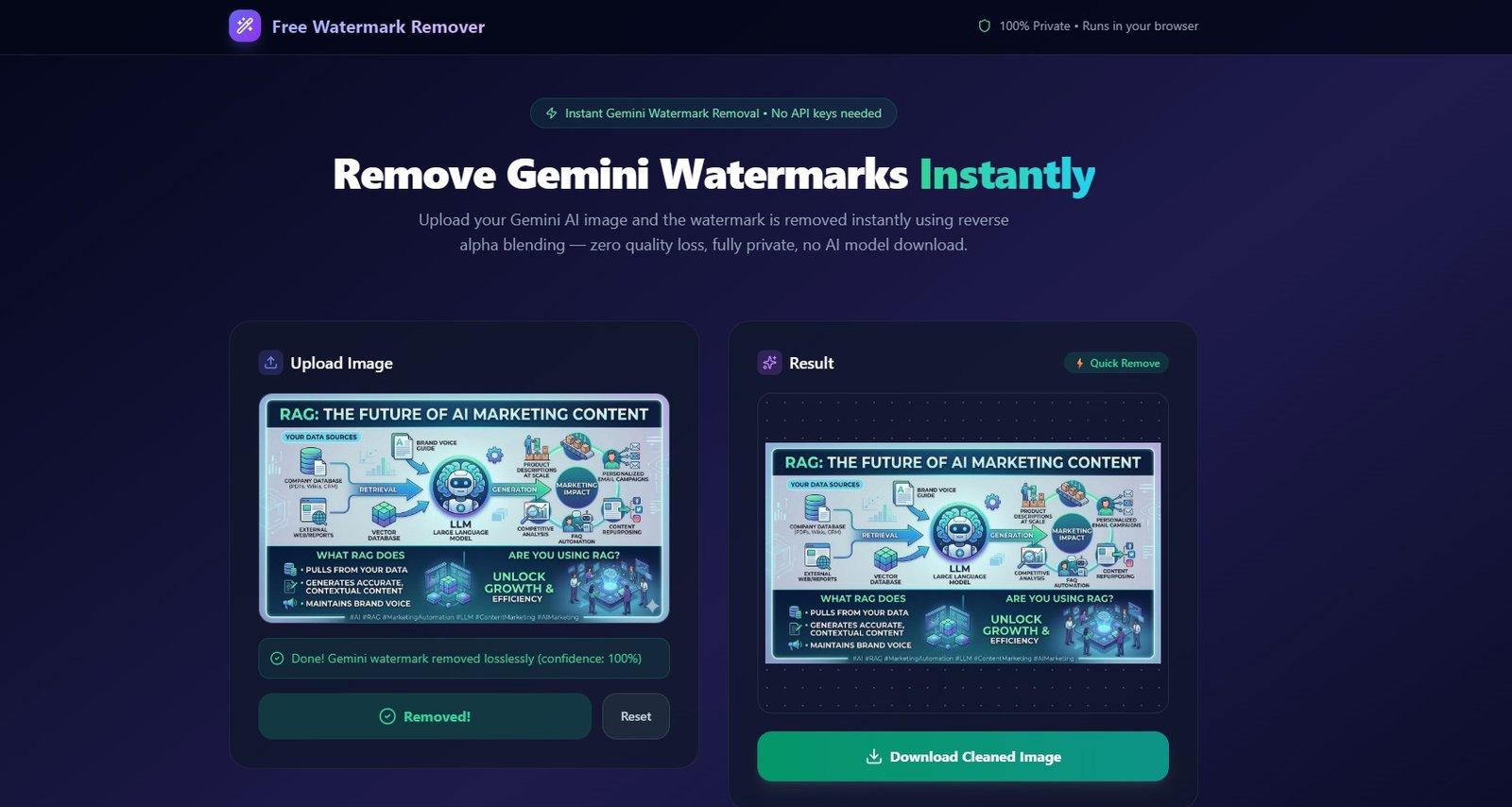
AI-generated images are becoming a core part of modern content creation. Tools like Google Gemini produce high-quality visuals, but many of these images include a visible watermark.
If you want to remove that watermark without damaging the image quality, traditional solutions often fail.
Most tools rely on AI inpainting, which guesses what should exist under the watermark. This frequently results in blurry patches, distorted textures, or hallucinated pixels.
To solve this problem, we created Free Gemini Watermark Remover, a fast browser-based tool that removes Gemini watermarks instantly and losslessly using a mathematical technique called Reverse Alpha Blending.
👉 Try it here:
https://www.watermarkremoverfree.com/
What is the Gemini Watermark?
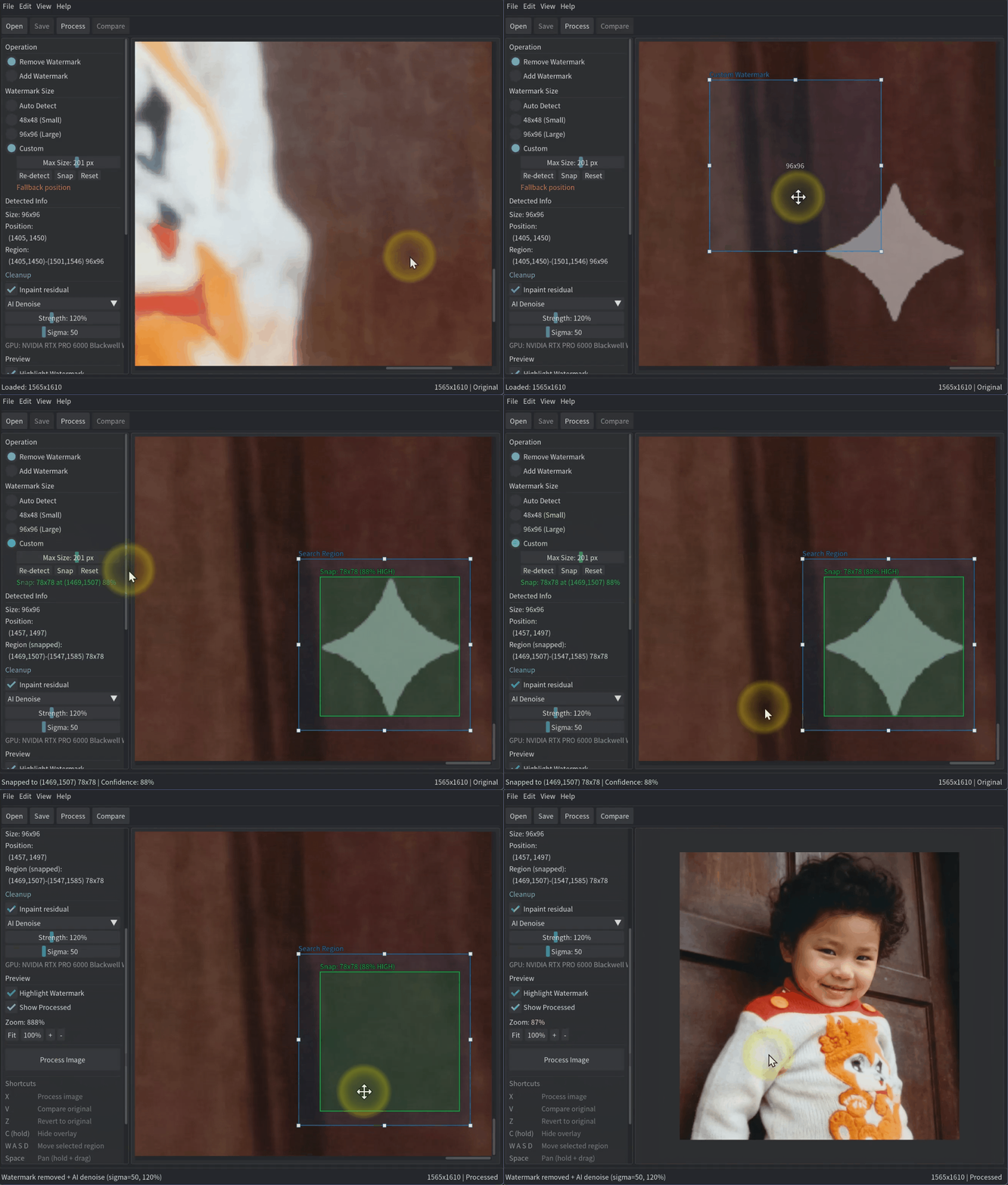
Google Gemini applies a watermark using alpha compositing, which blends a semi-transparent logo onto the generated image.
Instead of permanently modifying pixels, Gemini overlays the watermark using transparency.
The equation used is:
watermarked = α × logo + (1 − α) × original
Where:
- α = transparency value
- logo = watermark color (usually white)
- original = original image pixels
This means the original image data still exists just blended.
The problem with typical watermark removers
Most watermark removers use AI inpainting models like:
- LaMa
- Stable Diffusion inpainting
- Photoshop generative fill
These approaches guess the missing pixels after removing the watermark.
Problems with this approach include:
• Blurry textures
• Missing details
• Incorrect colors
• Visible patch artifacts
• Slow processing
For professional creators, designers, and marketers, this loss of quality is unacceptable.ards.
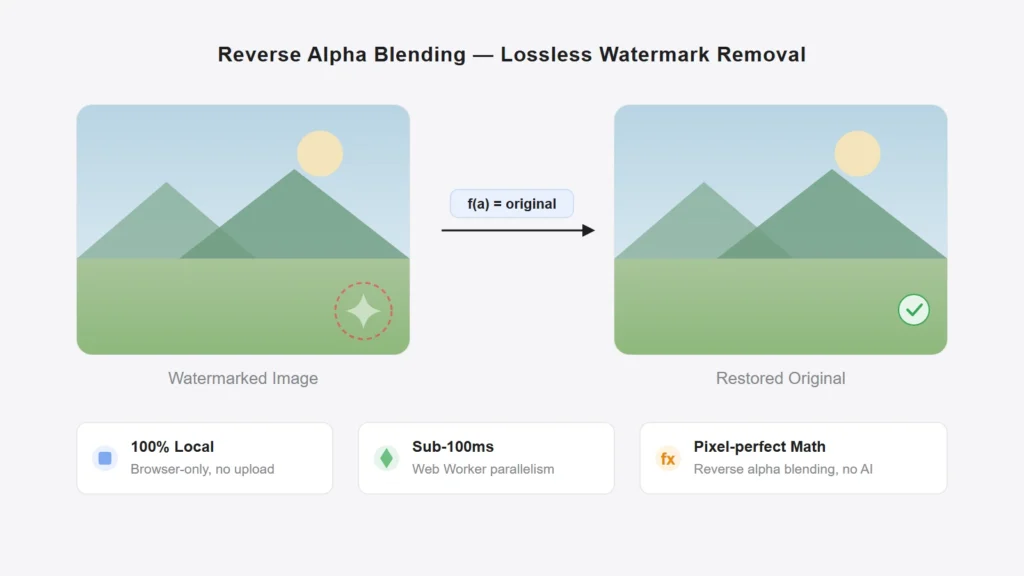
Instead of guessing the pixels, this tool reverses the watermark blending mathematically.
If we know:
- the watermark color (white)
- the transparency mask (alpha map)
we can recover the exact original pixel.
The formula becomes:
original = (watermarked − α × 255) / (1 − α)
This allows us to restore the true original image with zero quality loss.
How the Gemini Watermark Remover works?
The workflow is extremely simple:
1. Upload Image
Upload your Gemini AI generated image directly in your browser.
2. Auto Detection
The tool automatically detects the watermark position using Gemini’s known placement rules.
3. Reverse Blending
The algorithm applies reverse alpha blending using the pre-captured transparency masks.
4. Download Clean Image
Download the restored image with the watermark removed, maintaining the original resolution and format.
The entire process takes milliseconds.
Why this Gemini Watermark remover is different?
Unlike typical watermark removers, this tool focuses on precision instead of AI guessing.

⚡ Instant Removal
No large AI models are downloaded or executed.
🛡️ 100% Private
All image processing happens in your browser.
Your images never leave your device.
🎯 True Lossless Recovery
The algorithm restores the real hidden pixels rather than generating fake ones.
🧠 Smart Detection
The tool automatically detects Gemini watermark patterns and applies the correct mask.
💾 Original File Format
Your final image keeps:
- original resolution
- original format (PNG / JPG / WEBP)
You can try the tool instantly here: 👉 Try it here: https://www.watermarkremoverfree.com/
No signup.
No uploads.
No API keys.
Just upload your image and download the cleaned version.